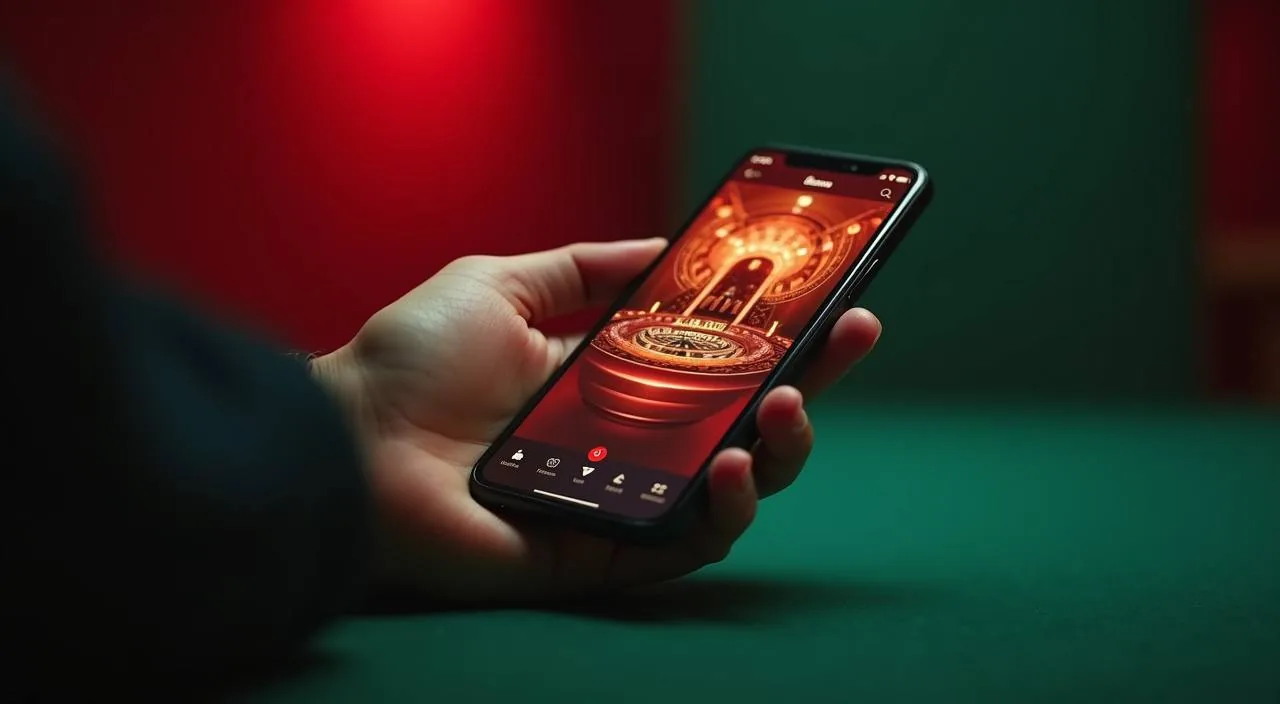
The 502bd lobby loads in your mobile browser so you can browse game categories, check your account wallet and switch between slots and live tables without downloading anything. Access depends on your device browser and eligible region — open the site to confirm what is currently available for you.
Open 502bd in your phone browser and the layout shifts automatically to a single-column view built for smaller screens. The main navigation collapses into a menu you tap once — from there you reach the slots lobby, live casino tables, sportsbook markets and your account page without losing your place. Game discovery works through category lanes: filter by slot titles like River Padma Reels or head straight to the live dealer section. Your account page shows your wallet balance, transaction history and the help link in one place.
RENDERED PAGE BEHAVIOUR
Mobile Access Features Worth Knowing
These four aspects of the 502bd mobile browser experience affect how you find games, manage your account and get help — all drawn from what the site renders on a phone screen today.
Responsive Layout
Every page on 502bd reflows to your screen size automatically. The game category rail, account chip row and navigation bar are all usable with one thumb so you are never pinching to zoom or scrolling horizontally to reach a button.
Account Route
Your wallet, deposit history and account settings are reachable from the same account icon whether you are on a phone or a larger screen. No separate mobile login page — the same credentials and the same account record apply.
Game Discovery Rail
The horizontal category rail at the top of the lobby works on mobile just as it does on desktop. Tap a category — slots, live casino, crash games — and the grid below filters instantly. Studio lanes for Bigtime Gaming, PG Soft and others are accessible through the same tap.
Help and Support Access
The help section, FAQ pages and published support routes are all reachable without leaving your mobile browser session. You do not need to switch to a desktop device to raise an account question or read the published device guidance.
ACCESS STEPS
Mobile Access in 3 Steps
Getting into the 502bd lobby from a phone takes three browser steps. There is no app store involved and no file to download unless the site explicitly announces one — follow these steps to start from your current device. First, confirm you are on the correct domain before entering any credentials; the address bar in your browser is the fastest check.
Open the current site
Type the 502bd domain directly into your phone browser or use a bookmark you have already saved. Do not search for the domain — go directly to confirm you are on the right address.
Check browser compatibility
The lobby renders correctly on recent versions of Chrome, Firefox and Samsung Internet. If your browser is several versions old, update it from your device's app store before proceeding to avoid layout or stream issues.
Sign in securely
Enter your account credentials on the login page. Your session carries your wallet balance, game access and account history — the same record you see on any other device you use.
DEVICE COMPATIBILITY
Device and Browser Compatibility Check
Before you settle in for a session on mobile, these five points help you confirm that your device and browser are set up to handle the 502bd lobby without interruption.
Browser access
The site is designed for standard mobile browsers. Chrome and Firefox on Android, and Safari on iOS, are the most commonly used. If a page does not load correctly, try a different browser before assuming a compatibility problem.
Screen layout
The lobby layout adapts to screen widths from compact phones to tablets. Card grids, navigation bars and game category rails all scale. Check the published device guidance on the help page if you see a layout that does not match what is described.
Account requirements
A registered 502bd account is required to access game rooms and your wallet. The account works across all browsers and devices — there is no separate mobile account or a second registration step needed for phone access.
Checking supported devices
The site's help section lists currently supported browsers and any known device limitations. Check that page rather than assuming compatibility — it reflects the current state of the platform, not a historical snapshot.
Region eligibility
Access to 502bd depends on your local law and eligible regions. This applies on mobile and desktop equally. The account page or help section will indicate if there are restrictions relevant to where you are connecting from.
MOBILE HELP ROUTES
Getting Help on a Mobile Device
If something goes wrong during a mobile session — a page that will not load, an account question or a wallet query — these are the routes published on the site to reach the team. Use the one that fits the urgency of your question.
In-site Help Section
The help section is reachable from the footer or account menu on every page, including on mobile. It covers common account questions, wallet steps and device access. Start here for most queries — the answer is often already published.
Live Chat
The live chat button is visible in the site interface when support is available. It works in a mobile browser the same way it does on desktop — no separate app needed. Use it for account-specific questions that the help section does not resolve.
Published Contact Routes
Additional contact details — including any email or messaging routes — are listed on the site's contact or support page. Check that page for the current available channels rather than searching externally, as contact details are maintained there.
ACCESS TRUST CHECKS
Stay Safe on the 502bd Mobile Site
Mobile access introduces a few extra points worth checking to keep your account and session secure. These are practical steps drawn from published guidance rather than general security advice.
Verify the Domain
Before entering your credentials, confirm the address bar shows the correct 502bd domain. Fake or look-alike sites copy the design but cannot replicate the domain. Bookmark the real address after your first verified visit to avoid this in future.
Review Published Device Guidance
The help or device page on 502bd lists known browser behaviours and any current access limitations. Check it when a feature behaves unexpectedly on your phone before assuming a platform fault — it is updated to reflect the current site state.
Protect Your Credentials
Use a password that is unique to your 502bd account and do not save it in a shared browser profile. If you share a device, sign out after each session — the account menu has a sign-out option on every page, including mobile.
Published Recovery Path
If you cannot access your account on mobile, use the account recovery link on the login page. The recovery steps are the same on mobile and desktop. Do not contact third-party sites claiming to help with account recovery — use only the route on the 502bd domain.
APP FAQ
Questions About 502bd App Access
These are the questions we get most often about accessing 502bd on a phone or tablet. Each answer reflects what is currently published on the site rather than general platform assumptions.
Is there a 502bd app to download from Google Play or the App Store?
Whether a dedicated app build is currently available for Android or iOS is shown in the account or help section of the 502bd site. Check there for the current status rather than searching the app stores, where listings can appear from third parties we have no connection to.
Can I access the full lobby from my phone browser?
Yes — the 502bd lobby, including slots, live casino and sportsbook markets, loads in a standard mobile browser. The layout adjusts to phone screen sizes automatically. Category lanes, game grids and your account wallet are all reachable without installing anything.
Which mobile browsers work with 502bd?
Chrome and Firefox on Android handle the lobby correctly on recent versions. Samsung Internet is also compatible. Safari on iOS covers most pages though some live-table streams may vary by iOS version. Check the site's help page for any specific browser notes that have been published since your last visit.
Do I need a separate account for mobile access?
No. Your existing 502bd account works on any browser and device. Sign in with the same credentials you use on desktop — your wallet balance, game history and account settings are the same record regardless of which device you connect from.
Can I use bKash or Nagad to fund my account from a mobile browser session?
bKash, Nagad and Rocket are the local payment rails on 502bd. The account wallet is accessible from your mobile browser session through the account menu. Follow the deposit steps shown in your account area — the fields and verification instructions are published there. Availability depends on your eligible region.
What do I do if the 502bd mobile site is not loading correctly?
Start by checking your browser version and updating if it is out of date. Clear your browser cache, then reload the page. If the issue continues, the help section on the site lists known device or browser limitations. You can also reach the support team through the live chat or contact page for account-specific problems.
 Slots / Casino